01
Drop a folder
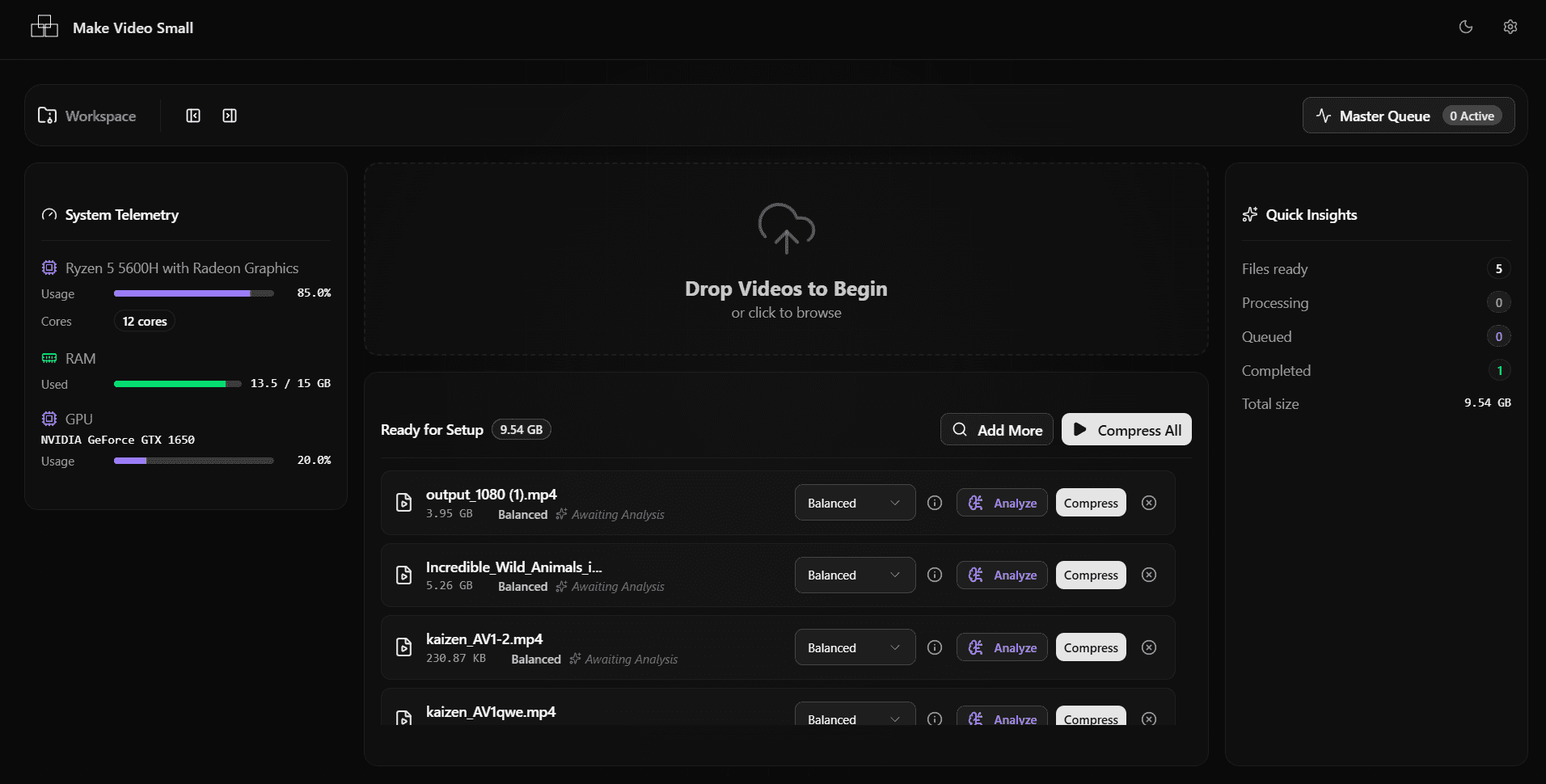
Drag in a single clip or an entire directory. Nothing uploads — the files never leave your disk.
MP4 · MKV · MOV · AVI · WebM
Local AV1 encoding for Windows. Batch an entire folder, run it on your own GPU, and never upload a single byte.
v2.0.0 · 379 MB · Windows 10 or later
Drag the handle. The left side is the untouched frame, the right is the AV1 encode. Both files are on this page — the sizes below are their real byte counts, not an estimate.
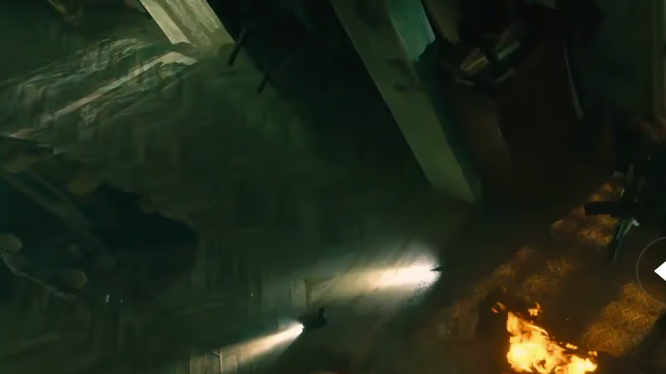
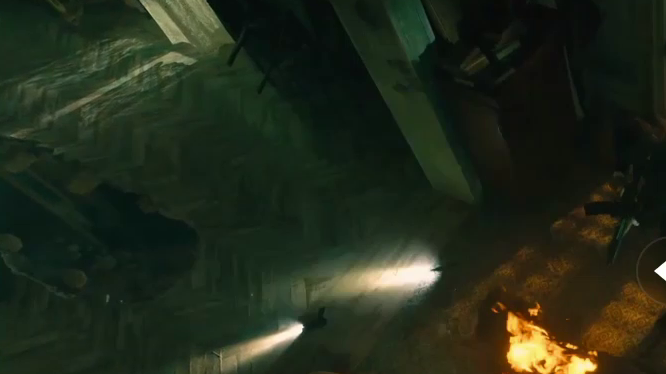
AV1 still-frame demonstration — a frame encoded with libaom-av1 · CRF 24 and measured with ffmpeg. AVIF is AV1 intra, so this is the same codec the app uses for video, applied to a still. It is not output from the Make Video Small video pipeline.
smaller — 157 KB → 13.5 KB
Typical video encodes
Every preset is previewed against the source, with its projected output size, before a single master encode runs.
Drag in a single clip or an entire directory. Nothing uploads — the files never leave your disk.
MP4 · MKV · MOV · AVI · WebM
The engine reads your CPU, GPU and RAM headroom, then proposes a preset that fits the hardware you actually have.
Ultra Quality · Balanced · Max Compression
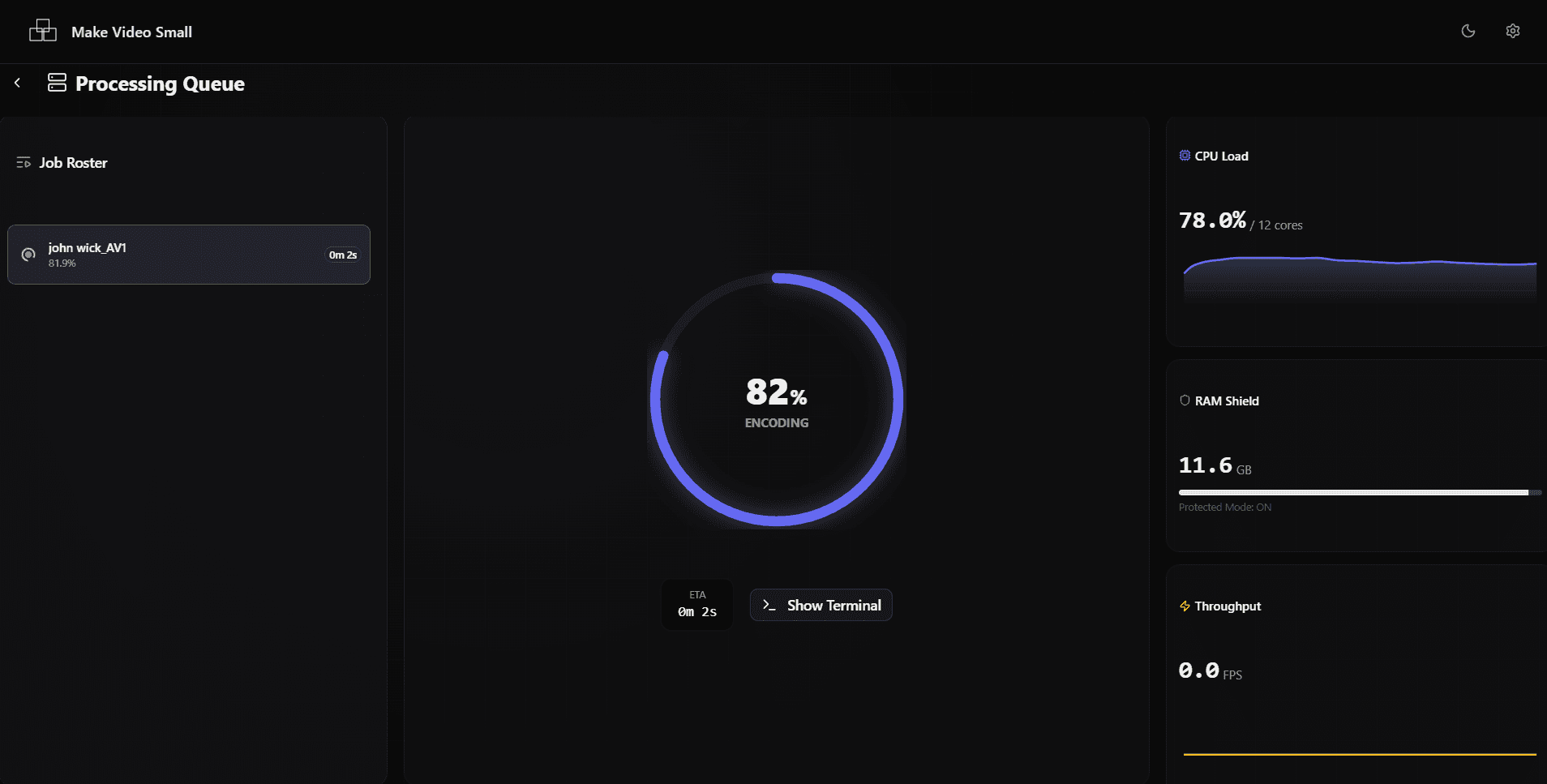
The master queue works through every file with live telemetry. Set it to shut the machine down when the last job lands.
Detects NVIDIA, AMD and Intel silicon and routes the encode to whichever path is fastest on your machine. Or force CPU-side SVT-AV1 when you want the smallest possible file and can spare the time.
There is no upload step, no account, and no telemetry. Pull the network cable and every feature still works — which is the easiest way to verify the claim rather than take our word for it.
Drop a directory and the master queue works through it unattended.
Watch CPU, RAM and GPU headroom while it runs, and throttle it if you need the machine back.
Route output anywhere, optionally delete sources once an encode verifies, and shut the machine down when the last job in the queue lands.
No file size limit, no monthly minutes, no queue position. The only constraint is your own disk.
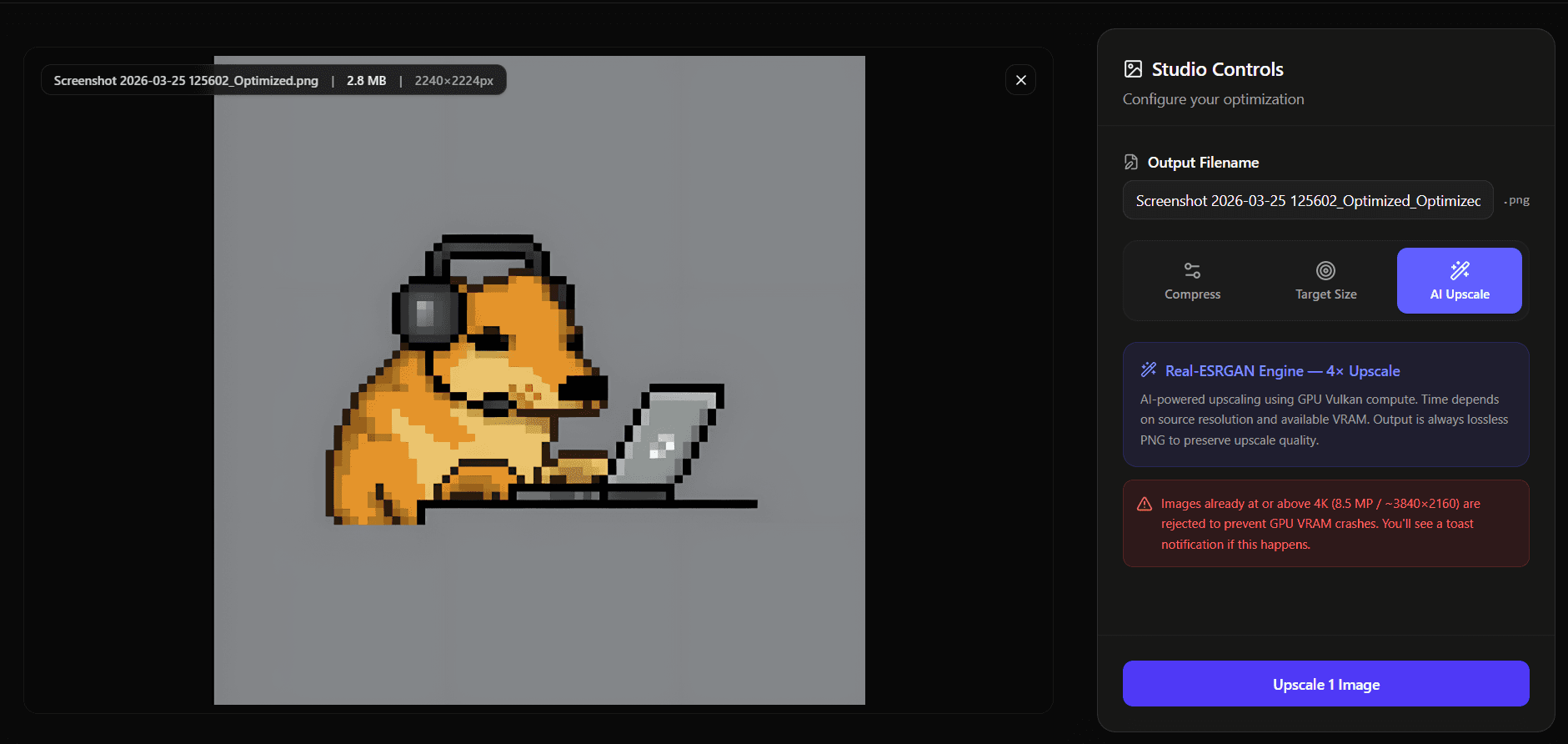
Upscaling, exact-size compression and metadata control, running on your own machine alongside the video engine.
Real-ESRGAN running on your own GPU. Enlarge up to 4× while recovering detail rather than smearing it.
4× upscale · Vulkan · lossless PNG out
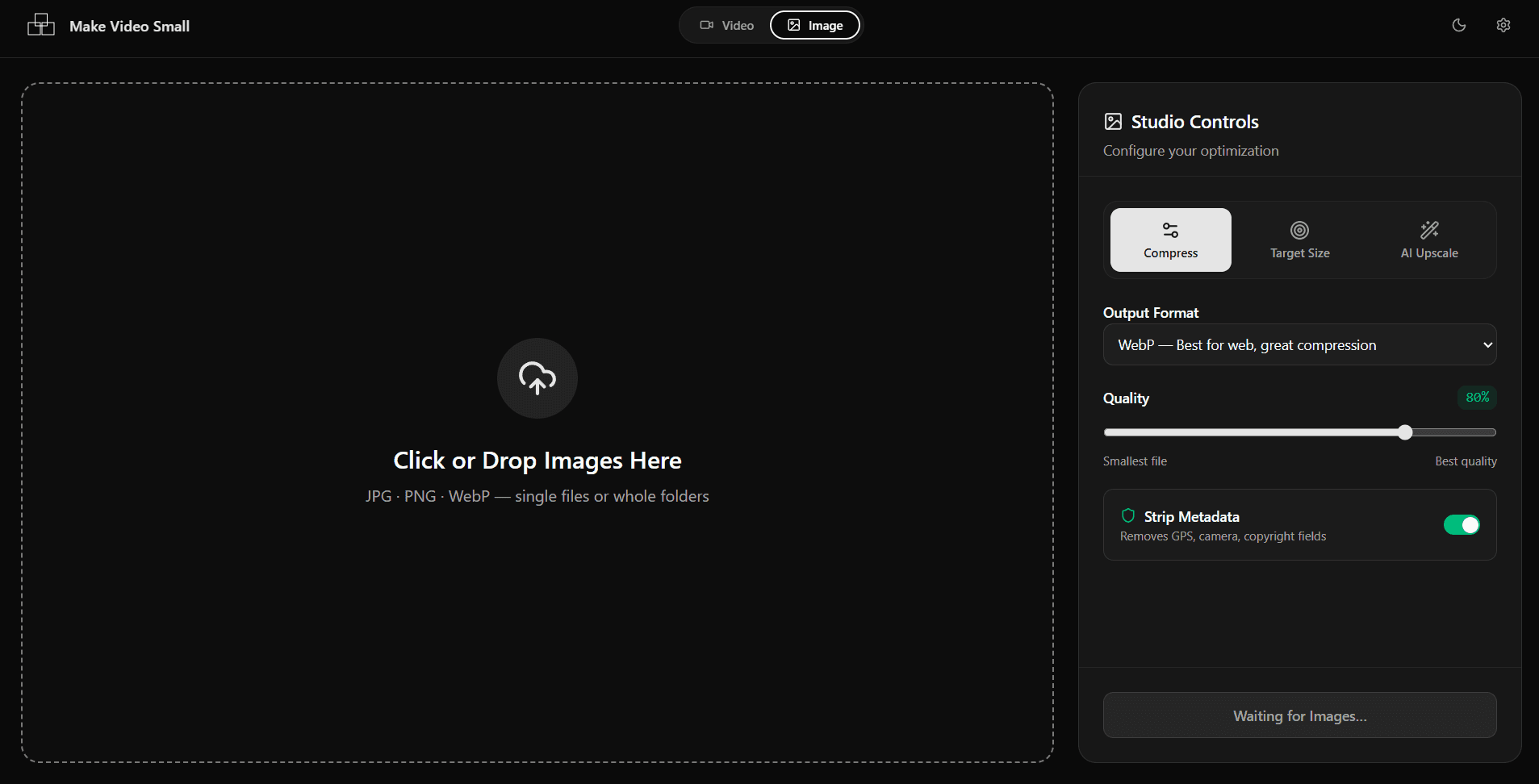
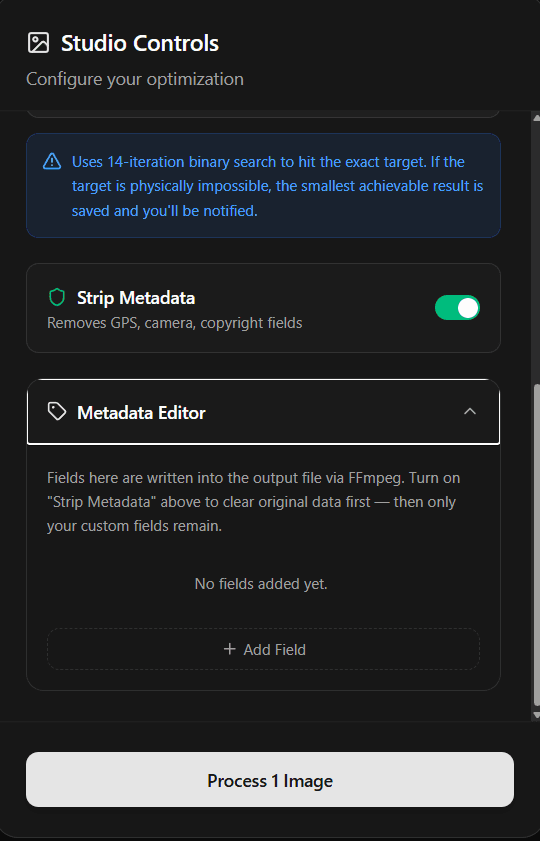
A 14-iteration binary search converges on the file size you asked for. Useful when something has to fit under a hard upload limit.
Exact KB target · WebP · AVIF
Strip GPS coordinates, camera serials and every other EXIF field in one pass, then write back only the fields you actually want to publish.
Privacy guard · metadata injector
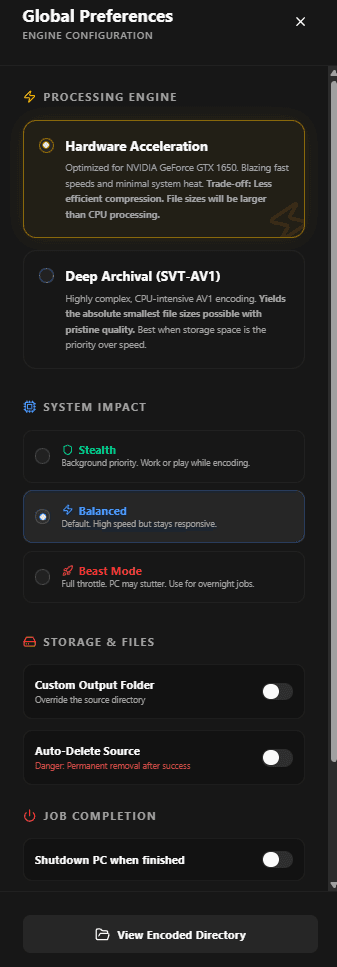
GPU hardware acceleration when you want it done now, CPU-side SVT-AV1 when you want it as small as it will go.
Stealth keeps the machine usable while it works. Beast Mode takes every core you have. Balanced sits in between.
Custom output routing, optional source deletion after a verified encode, and shutdown when the queue empties.
HandBrake and FFmpeg are genuinely great and cost nothing. This is what changes if you use this instead.
Files never leave your machine
No account or subscription
No file size limit
Batch a whole folder
GPU acceleration
Hit an exact output size
AI image upscaling
EXIF / GPS stripping
Auto-shutdown when done
Graphical interface
Price
| Make Video Small | Cloud compressors | HandBrake | Raw FFmpeg | |
|---|---|---|---|---|
| Files never leave your machine | Yes | No | Yes | Yes |
| No account or subscription | Yes | No | Yes | Yes |
| No file size limit | Yes | Partial or varies by provider | Yes | Yes |
| Batch a whole folder | Yes | Partial or varies by provider | Yes | Scripting |
| GPU acceleration | Automatic | No | Yes | Manual flags |
| Hit an exact output size | 14-step search | Partial or varies by provider | No | Manual |
| AI image upscaling | Yes | Partial or varies by provider | No | No |
| EXIF / GPS stripping | Yes | Partial or varies by provider | Partial or varies by provider | Manual |
| Auto-shutdown when done | Yes | No | No | Scripting |
| Graphical interface | Yes | Yes | Yes | No |
| Price | Free · MIT | Subscription | Free · GPL | Free · LGPL |
Free, open source, and entirely offline. Download it once and it keeps working whether or not this project ever ships another release.
v2.0.0 · 379 MB · Windows 10 or later · released 2026-04-04
Large because FFmpeg, the Python engine and the upscaling models ship inside it. Nothing is downloaded afterwards.